
How to position the Divi blurb icon on the right
There are two options for the position of the image/icon in the Divi blurb module by default, on the left and on the top. Now and then though, there is a good cause to have these icons show up on the right of the blurb module content. Here we’ll show you how to...
Adding effects to menu items
Adding menu effects can create a really nice point of difference on your website. Effects can be added to the active state or to the hover state. They can even be added to selected tabs instead of all of the tabs on your Divi menu. The addition of effects on tabs is...
How to make anything sticky content in Divi
Sticky content update Since this post was originally written Divi have updated the theme to include sticky content options. Divi Sticky Options is a new feature that enables you to stick any element to the top and/or bottom of the browser. When scrolling up and down...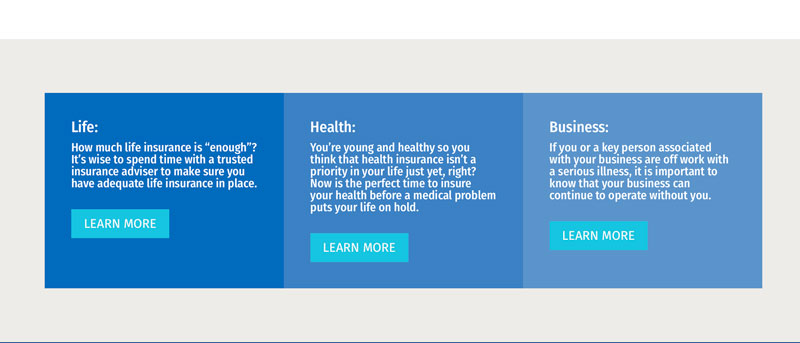
How to equalise columns in rows
There is a couple of ways to equalise columns. It depends on the functionality you need as to which method you use. This will equalise columns With the Equalise switch active in the Design settings the column rows need to be coloured NOT the module. Flick the switch...